Which Tools Connect to MarTech? An Integrations Overview
One of the first questions business owners ask about MarTech by Ajax Union is simple: will it work with the tools I already use? The short answer is yes for most of them. The longer answer depends on how each tool connects.
app.ajaxunion.com links to other software in three ways. Some tools connect directly from inside your account. Others connect through Zapier. And for custom systems, there are webhooks. This guide walks through each option, what usually falls into it, and how to pick the right one for your business.
The Three Ways Tools Connect to app.ajaxunion.com
Think of these as three levels, from easiest to most flexible.
Direct (native) integrations. You connect these from inside app.ajaxunion.com, usually with a single sign-in. They are built into the platform, so there is no extra software to manage.
Zapier. For apps without a direct connection, Zapier acts as a bridge. When something happens in one app, Zapier tells the other app what to do.
Webhooks and custom connections. For in-house systems or specialized software, workflows can send data out to another system or start when data comes in.
A good rule: start with a direct integration whenever one exists. It is simpler to set up, there is no extra subscription, and there is one less thing that can break.
Tools That Connect Directly
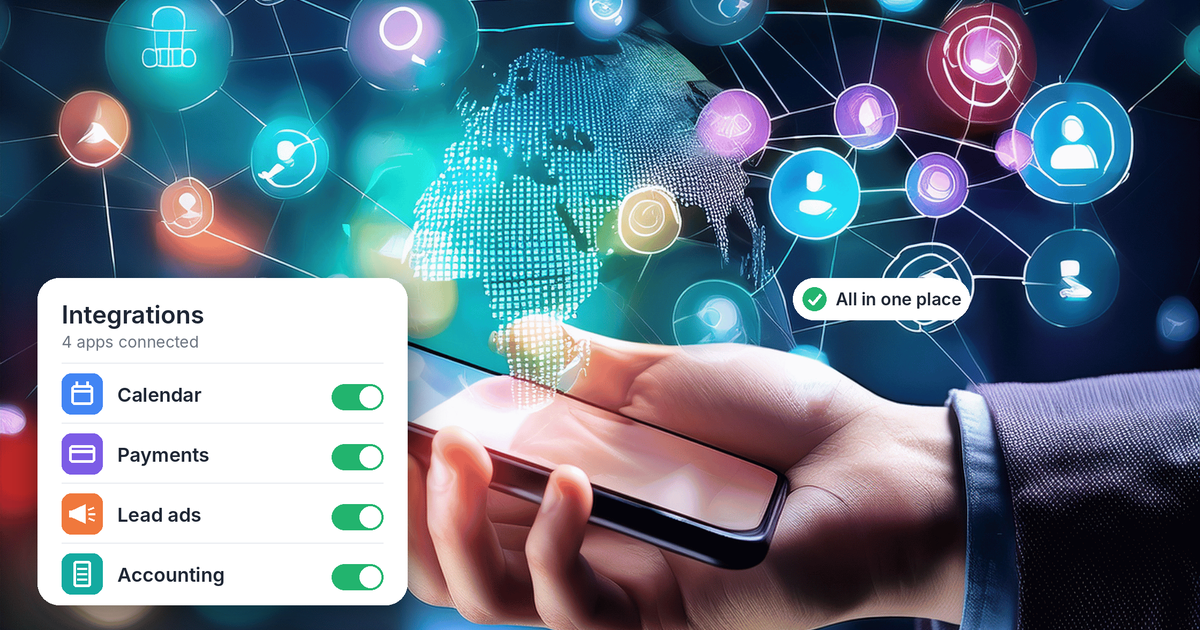
Most of the tools a small business relies on every day connect directly. You will find most of them under Settings → Integrations in app.ajaxunion.com. Here is what is typically available, grouped by what each one does for you.
Google Business Profile: brings your Google reviews into app.ajaxunion.com so you can read and reply to them in one place.
Google Calendar: syncs your availability so clients can't book over existing appointments.
Google Lead Ads: sends new leads from your Google ads straight into your contacts.
Facebook and Instagram
Facebook and Instagram messages: puts your DMs in the same inbox as your texts and emails.
Facebook Lead Ads: delivers ad leads into app.ajaxunion.com the moment someone fills out your form, so follow-up can start right away.
Calendars and video meetings
Outlook and other calendars: two-way sync keeps your schedule accurate wherever you check it.
Zoom: adds a meeting link to appointments automatically.
Payments and accounting
Payment processors such as Stripe and PayPal: let you take payments on invoices, order forms and booking calendars.
QuickBooks Online: keeps contacts, invoices and payments in step with your books, without retyping them.
Messaging
WhatsApp: adds WhatsApp conversations to your inbox alongside SMS, email and social messages.
The exact list can change as new connections are added, so check Settings → Integrations in your own account for the current options.
When You Need Zapier
Zapier connects app.ajaxunion.com to thousands of other apps. It is the right choice when a tool you rely on has no direct integration, such as a niche industry app, a form builder or a spreadsheet you want updated automatically.
With Zapier, you build "Zaps." Each Zap has a trigger (something that happens in one app) and an action (what should happen next in another app). For example:
When a deal moves to a new stage in your app.ajaxunion.com pipeline, add a row to a Google Sheet.
When someone books through another scheduling tool, create or update the contact in app.ajaxunion.com.
When a new customer is added in your field service software, tag them in app.ajaxunion.com so the right follow-up starts.
How to connect app.ajaxunion.com to Zapier
You don't need an API key. You sign in with your normal app.ajaxunion.com login.
Log in to your Zapier account.
Click Create, then Zaps.
In the Zap editor, click the Trigger step and search for LeadConnector, the official connector app for app.ajaxunion.com.
Choose a trigger event, for example Pipeline Stage Changed.
Under Account, click Sign In.
Enter the email and password you use for app.ajaxunion.com.
Select the app.ajaxunion.com account you want to connect.
Check that LeadConnector now appears under Accounts in your Zap setup. That confirms the connection is active.
To remove the connection later, go to App Connections in Zapier, click the three-dot menu next to LeadConnector and choose Delete.
Keep in mind that Zapier has its own monthly plans and task limits. If you are paying for a Zap that does what a direct integration already does, switching to the direct option can save money and reduce errors.
When to Use Webhooks
Webhooks are for systems that neither a direct integration nor Zapier covers, such as software your company built in-house. A workflow can send contact or event details to another system's web address, or start automatically when another system sends data in.
Webhooks are powerful, but they usually need someone technical to set them up and keep them running. If you think you need one, talk to our team first. There is often a simpler route.
How to Decide Which Option to Use
Work through these questions in order:
Is there a direct integration? Check Settings → Integrations first. If the tool is listed, use it.
Is the app on Zapier? If it is, a Zap is usually the fastest way to connect it without code.
Is it a custom or in-house system? Then a webhook is likely the answer, ideally set up with technical help.
A few habits keep any integration running smoothly:
Connect with a business-owned admin login, not an employee's personal account. If that person leaves or changes their password, the connection can break.
Give each piece of data one source. If two tools can both update the same contact, decide which one wins, or you may end up with duplicates.
Don't connect the same thing twice. A direct lead ad integration plus a Zap for the same form will create every lead twice.
Keep a simple list of what you have connected, who connected it and what it does.
Bring Your Tools Together
The goal of connecting your tools is to have one place where leads, conversations, appointments and payments all come together. With direct integrations for the essentials and Zapier for everything else, most businesses can connect their whole tech stack to app.ajaxunion.com without writing any code.
Want to see MarTech in action? Book a live demo and our team will walk you through it.
